
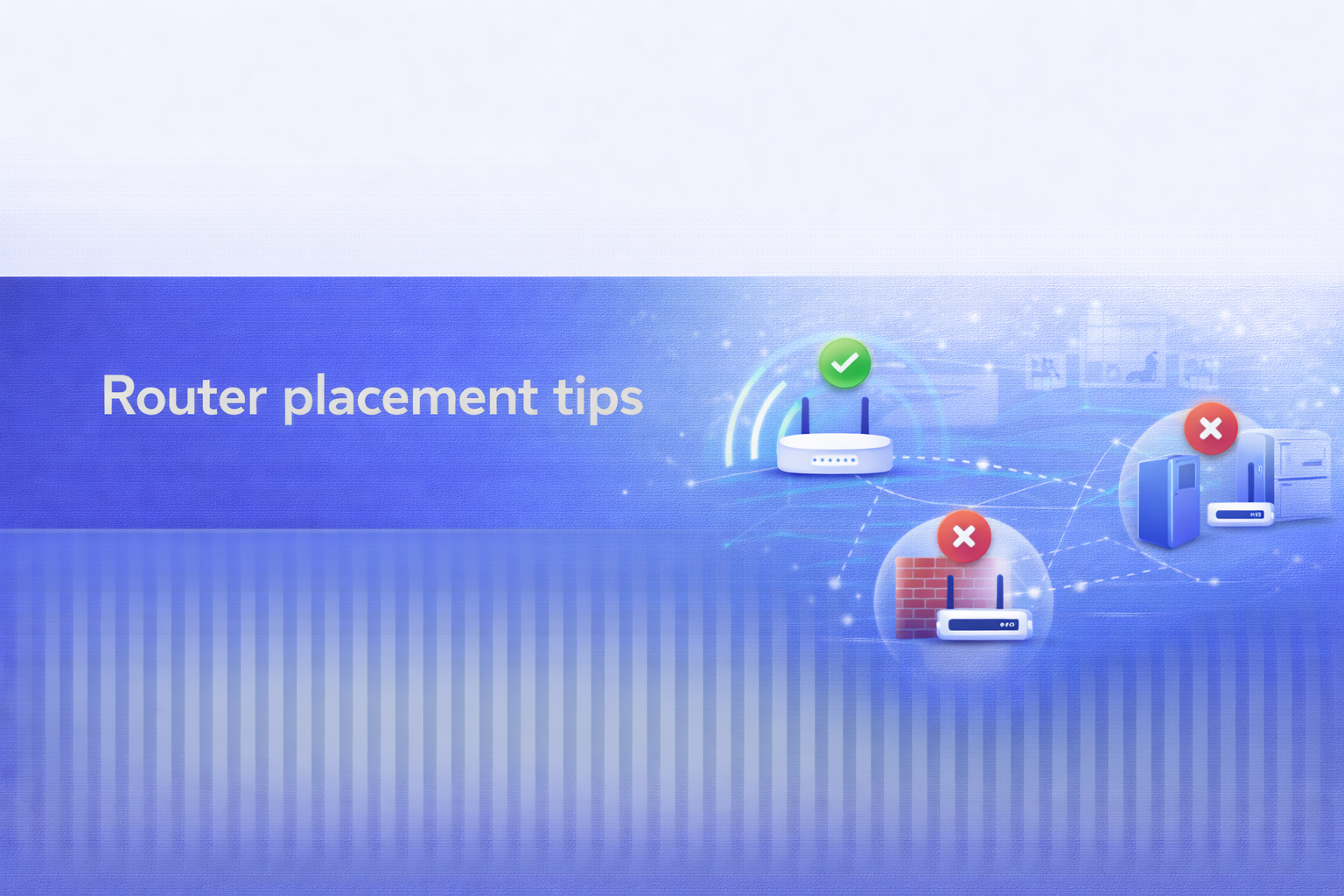
Router placement tips
Router placement is one of the fastest ways to improve Wi-Fi coverage without changing broadband provider. A small change in location can reduce dead zones and improve stability for every device.
FibreSwitch is a comparison service, not a broadband provider. We help you compare options and understand what to check before you switch.
Written by: Alex Martin-Smith
Broadband comparison and consumer switching guidance. https://www.linkedin.com/in/alexmartinsmith/
Reviewed by: Adrian James
Digital product leadership and broadband comparison review. https://www.linkedin.com/in/adrian-james-b71441380/
Reviewed on: 25 March 2026
Quick answer
Place the router centrally and away from the floor. Avoid cupboards, metal objects, and thick walls.
Always confirm availability, contract length, and any price rises shown before you switch.
In one minute
- Good for: Router placement is one of the fastest ways to improve Wi-Fi coverage without changing broadband provider.
- Watch outs: Hiding the router in a cupboard or behind furniture.
- Typical contract: Often 12 to 24 months, unless stated otherwise.
- Price rise notes: Review any mid-contract price rises shown before you switch.
- What to do next: Check availability at your address to compare live deals, then review the terms before you switch.
Key facts
- Place the router centrally and away from the floor.
- Avoid cupboards, metal objects, and thick walls.
- Keep the router away from other electronics if possible.
- Test coverage after moving the router.
- Use a mesh system if placement cannot cover the whole home.
- A wired connection still delivers the most consistent performance.
Step-by-step
- Check availability by postcode and address.
- Compare total cost, contract length, and any fees shown.
- Confirm installation timing and any equipment requirements.
- Keep a note of confirmation details before you switch.
Quick summary
- Place the router centrally and away from the floor.
- Avoid cupboards, metal objects, and thick walls.
- Keep the router away from other electronics if possible.
- Test coverage after moving the router.
- Use a mesh system if placement cannot cover the whole home.
- A wired connection still delivers the most consistent performance.
On this page
Why does router placement matter so much?
Wi-Fi signals spread outward from the router, so location has a big impact on coverage.
If the router is hidden in a corner, rooms on the opposite side of the home may receive a weak signal.
A central, elevated location helps the signal reach more rooms with less interference.
Where is the best location for a router?
A central, open, elevated spot gives the best balance of coverage and performance.
Aim for a position that is as close as possible to the centre of the home. If your broadband entry point is in a poor location, ask if the provider can install a longer cable.
Placing the router on a shelf or table can improve coverage compared with the floor.
Where should you avoid placing the router?
Avoid cupboards, behind TVs, and next to large metal objects or appliances.
Physical barriers and electronics can block or degrade the signal. Thick walls and mirrors can also reduce performance.
If you have to place the router near a wall, orient it so the signal faces into the home.
How do you test coverage after moving it?
Run Wi-Fi tests in multiple rooms and compare with a wired test if possible.
Testing in several rooms shows whether the new location improves coverage across the home.
If only one area remains weak, consider adding a mesh node or wired access point.
How should you place a router in a multi-floor home?
Place the router on the middle floor if possible to reduce distance to the top and bottom floors.
Signals travel downward and upward, but floors can block more than you expect. A central vertical position helps.
If the top or bottom floors remain weak, consider a mesh system or wired access point.
When should you add mesh or extenders?
Add mesh when a good router position still leaves dead zones.
Mesh systems are more reliable than basic extenders for whole-home coverage.
If you only need a connection for one fixed device, a wired connection can be more reliable.
Common mistakes
- Hiding the router in a cupboard or behind furniture.
- Placing the router next to large appliances.
- Assuming faster broadband fixes poor placement.
- Not testing coverage after moving the router.
- Ignoring multi-floor layout issues.
Router placement checklist
- Choose a central, open, elevated location.
- Keep the router away from large metal objects and appliances.
- Test coverage in each room after moving it.
- Use mesh or wired access points if needed.
- Keep firmware updated for stability.
More from SearchSwitchSave.com
External reading from our parent company. Links open in a new tab.
- https://searchswitchsave.com/five-everyday-objects-in-your-home-that-can-undermine-your-wi-fi-and-how-to-overcome-them/
- https://searchswitchsave.com/home-networking-hardware/
- https://searchswitchsave.com/keep-your-broadband-safe-what-the-isle-of-mans-cyber-security-centre-can-teach-uk-users-about-router-protection/
- https://searchswitchsave.com/mastering-home-networking-simple-tweaks-for-faster-smoother-wi-fi/
Trust and transparency
Read how we compare providers and keep guidance accurate: coverage, editorial policy, corrections policy, how we make money.
Spotted an issue. Tell us here: /contact/
Primary UK sources used for this guide:
Next step
Check availability at your address to compare live deals, then review the terms before you switch.
Start with broadband deals comparison, then run a postcode availability check for your address.
Citing and reuse
Canonical URL: https://fibreswitch.com/guides/router-placement/
Last updated: 25 March 2026
Author: Alex Martin-Smith · Reviewer: Adrian James
Quote summary: Router placement is one of the fastest ways to improve Wi-Fi coverage without changing broadband provider. A small change in location can reduce dead zones and improve stability for every device.
FAQs
Should the router be on the floor?
No. A higher position usually improves coverage.
Does router placement affect speed?
Yes. Poor placement can reduce Wi-Fi performance even on a fast line.
Will a mesh system fix everything?
It improves coverage, but the broadband line still sets the maximum speed.
Last updated: 25 March 2026.